Space AI Network

Open AI on everyday community hardware.

Start directly in your browser or API with zero install, inspect live confidence on every word, keep coding when cloud caps hit, or earn credits by sharing idle Macs and GPUs.

01 · The Mind Window

Read the answer.Inspect the doubt behind it.

Closed AI APIs deliver guesswork in the exact same polished voice as certainty. Space AI streams live confidence on every word from verified community silicon and flags likely bluffs automatically.

SPACE OBSERVATORY · LIVE LOCAL SILICON ● STREAM READY
Pick a prompt above or ask a question below to see live word confidence.
Confidence --
Active / Registered
Live
Verified Tokens
98K+
Verified Receipts
468+
Authenticity
100.0%

02 · Live Deployed Stack

Open weights, in orbit.

03 · Deployed & Ready Today

Start in five seconds.Scale across community silicon.

Everything below is live today on api.spaceresearch.ai: glass-box Space Chat with Decision X-Ray, the 1-line coding CLI proxy, and multi-node Swarm & RPC sharding.

01 · Live Web App & API

Space Chat & Decision X-Ray

Stream directly from Qwen3.8 27B & Inkling 2 Mini in your browser or point any OpenAI-compatible app at our endpoint.

  • Live token certainty, competing alts & counterfactual forking
  • Built-in /stress, /audit bluff radar & /compare
  • Drop-in API: api.spaceresearch.ai/v1
Open Space Chat →
02 · 1-Line Coding CLI

Claude Code, Codex & OpenCode

Keep coding tools running through verified community silicon without touching your paid cloud configs.

curl -fsSL https://spaceresearch.ai/install-space.sh | sh && space claude
API Setup
03 · Multi-Node Compute

Swarm Council & RPC Sharding

Combine community Macs and RTX GPUs into one live compute mesh — either in parallel or sharded across pooled RAM.

  • Parallel Multi-Node Swarm Council synthesis
  • Sharded 70B & 106B MoE hot-swap over WebSocket RPC
  • Continuous background model authenticity checks & Season 0 credits

04 · Community Hardware

Many everyday computers.One shared network.

Intelligence should not belong to a single cloud landlord. Contribute an independent station on your own machine, or pool capacity inside a protected Home Orbital.

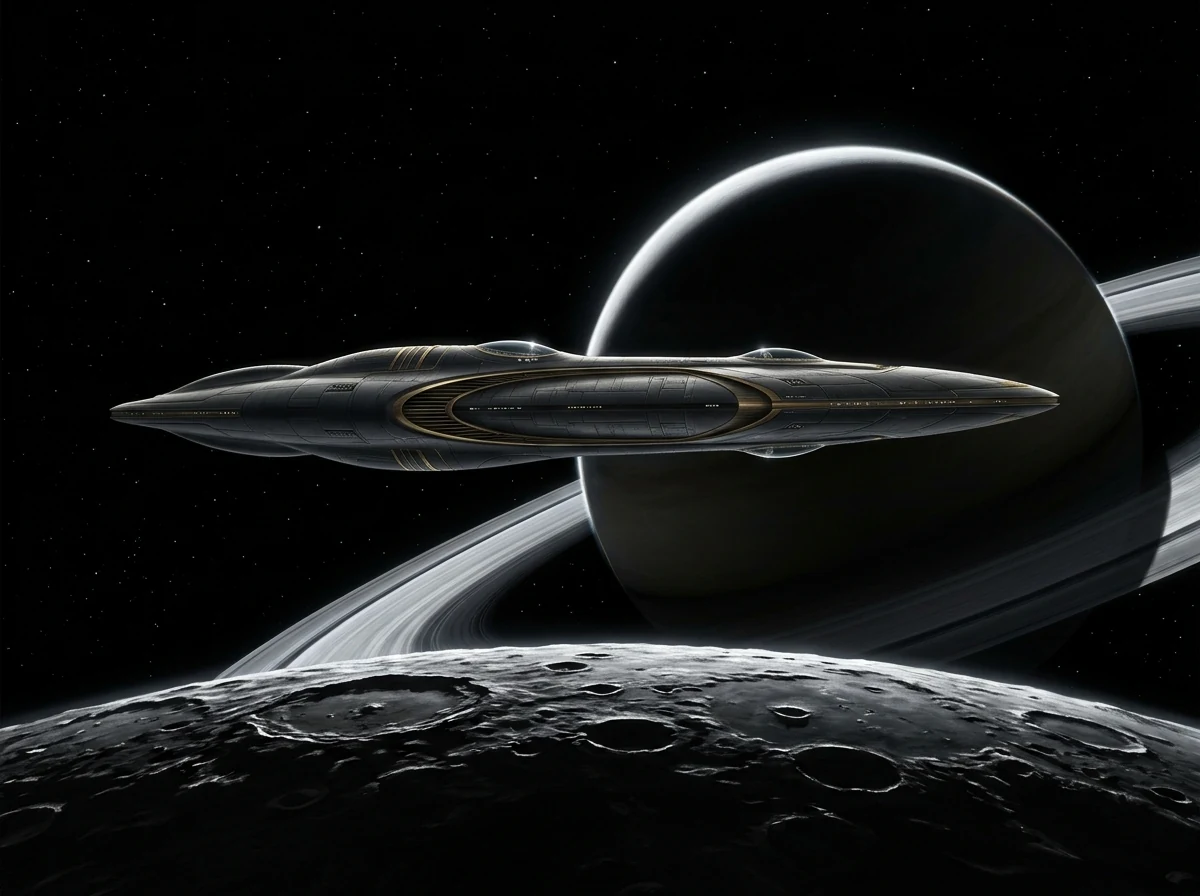
High-detail hard sci-fi illustration of a Culture General Contact Unit starship hovering above a dark cratered moon and ringed planet Plate I · Independent Station

Run your own station

Connect an Apple Silicon Mac, NVIDIA workstation, or existing Ollama/llama.cpp server behind home WiFi. Auto-Pause yields instantly when you game or work, and early stations earn 20x compute credits.

High-detail hard sci-fi illustration of a Culture Orbital ring habitat glowing with golden city lights beside a dark planet in pitch-black space Plate II · Home Orbital

Join a Home Orbital

Home Macs and consumer GPUs are grouped in protected Orbitals separated from industrial data centers. Support a trusted Orbital with Season 0 points to boost its priority and unlock free daily usage.

05 · Transparency & Trust

Built for daylight,
not black boxes.

Verifiable open models, live confidence signals, and local-first privacy choices that stay in your hands.

LIVE MODEL VERIFICATION ● 100% GENUINE WEIGHTS

06 · How It Works

How a request travelsacross the network.

Select a layer below to inspect how Space AI connects your tools, verifies models, and balances credits automatically.

LIVE NETWORK TOPOLOGY YOUR DESK ↔ VERIFIED STATIONS

02 · Live Verification & Mind Window

07 · Field Notes

Questions &plain answers.

Do I need to install anything to start using Space AI?
No. Open Space Chat in your browser or point any OpenAI-compatible app directly at https://api.spaceresearch.ai/v1 right away. Space Desktop and the 1-line CLI are optional tools for local spillover, coding-tool fallback, and Auto-Paused hardware sharing.
How do I know I am getting the genuine model?
Every active computer is continuously checked in the background to confirm it is running the authentic open model it advertises. Any station that fails a quality check is automatically dropped from routing.
Do I need crypto or an expensive GPU to start?
No. Try Space Chat free in your browser right now with no account, use free welcome credits via the CLI, or set a simple pay-as-you-go cap ($1–$50) with no monthly subscription.
Will sharing idle time interfere with gaming or work?
No. Auto-Pause monitors GPU and system activity and pauses background work the moment you start gaming or running demanding apps. Press Ctrl+C anytime to stop.

Launch

Intelligence belongs in the open.

Try Space Chat live with zero signup, or install Space CLI to connect your coding tools and hardware in thirty seconds.